
Your FAQ page might be the most underutilised page on your website.
When done right, it doesn’t just answer customer questions. It reduces support tickets, builds trust at scale, and helps you win prime real estate in Google Search, featured snippets, and AI Overviews. When done poorly, it’s a buried list of half-answers no one reads.
Yet most businesses still treat FAQs like an afterthought.
This Odyssey Marketing guide analyses 25+ high-performing FAQ page examples from e-commerce, SaaS, and D2C brands. You’ll see real examples, learn what makes them effective, and uncover a repeatable framework. One that helps your FAQ page rank, convert, and scale across customers, search engines, and AI tools.
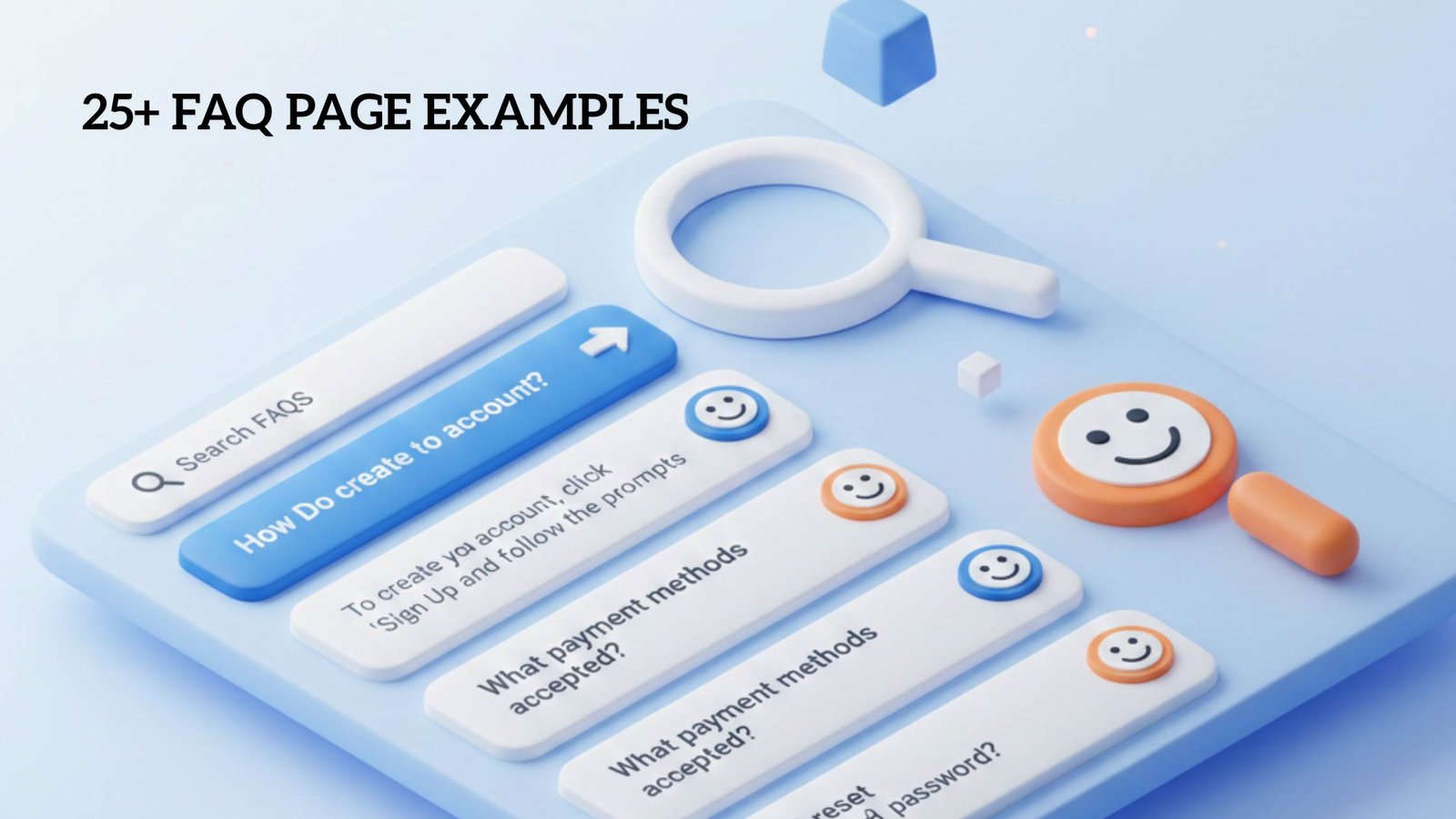
An FAQ page is a place where you answer your customers’ most common questions in one easy-to-find spot. It gives people quick, clear answers without needing to contact support, helping them feel confident and informed as they decide what to do next.
A strong FAQ page is more than a support tool—it’s a growth lever. Done right, it helps your customers get answers instantly, boosts your search visibility, and strengthens your brand’s authority.
Here’s why FAQ page make a real difference:
Search engines love structured Q&A content. The right FAQ page can help your answers appear in:
A well-optimised FAQ page ensures your content gets discovered exactly when users are looking for it.
Covering common questions in your niche signals expertise to both users and search engines. By grouping related queries into clusters, your FAQ page can rank for long-tail queries, semantic variations, and not just generic keywords.
A clear, structured FAQ page makes life easier for visitors:
Better UX is equal to happier customers who stay longer and convert faster.
Every question your FAQ answers is one less ticket for your support team. At scale, this frees up agents to handle complex issues instead of repeating the same answers over and over.
Unlike live agents, a well-optimised FAQ page is always available. Customers get instant answers at any time, no waiting, no frustration.
An FAQ page isn’t just for SEO—it’s a proactive way to improve customer service. It provides:
The goal is to anticipate what your customers need and give them clear answers. As your business grows, your FAQ page should evolve too, reflecting new questions and trends.
“Having an FAQ page is a way to be more proactive and predictive with what your customers or clients are going to need help with. It’s also an opportunity to point people in the direction you want them to go. If there’s something you want to ensure they see, an FAQ is a great place to put it.”
FAQ content works best when it’s easy for customers to find, both online and offline. While your company website is the most common home for FAQs, there are plenty of other places to share them.
Top spots for publishing FAQ content include:
Publishing FAQs across multiple touchpoints improves visibility, boosts user experience, and helps customers get answers when and where they need them.
Yes! An FAQ page helps your visitors find answers quickly, reduces support requests, and builds trust. It acts as a self-service tool that guides users through your products, services, or policies while boosting your site’s credibility and usability.
A knowledge base is more detailed and often includes tutorials, step-by-step guides, and troubleshooting articles. An FAQ page is concise and focuses on the most common questions, providing quick answers and guiding users to deeper resources if needed.
Absolutely! Besides a dedicated FAQ page, businesses can use chatbots, knowledge bases, video tutorials, help centers, or interactive guides. Social media posts, email automation, and in-product tooltips also work well to provide answers where customers are already engaged.
Odyssey Marketing designs FAQ pages that reflect your brand’s voice and personality. By delivering clear, helpful answers in a tone consistent with your business, an FAQ page builds trust, reinforces your brand identity, and creates a professional, memorable experience for customers.
Yes! Properly structured FAQ pages with clear headings, keywords, and schema markup can appear in Google’s featured snippets, “People Also Ask” panels, and AI-driven summaries. This increases visibility, drives organic traffic, and improves your site’s authority.